 2D Art
Layers and blend modes
27 blend modes, layer masks, clipping masks, adjustment layers, groups and Smart Objects.
Layer-based image editor
Layers and masks, 27 blend modes, layer styles, PSD open and save, 16-bit colour and 32-bit HDR, AI tools that run on your computer. In English and Vietnamese.
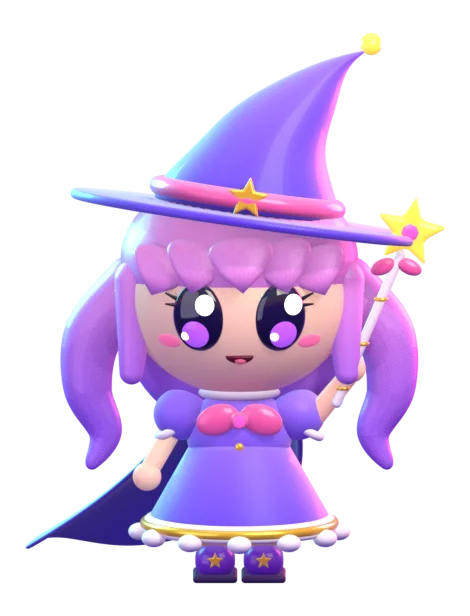
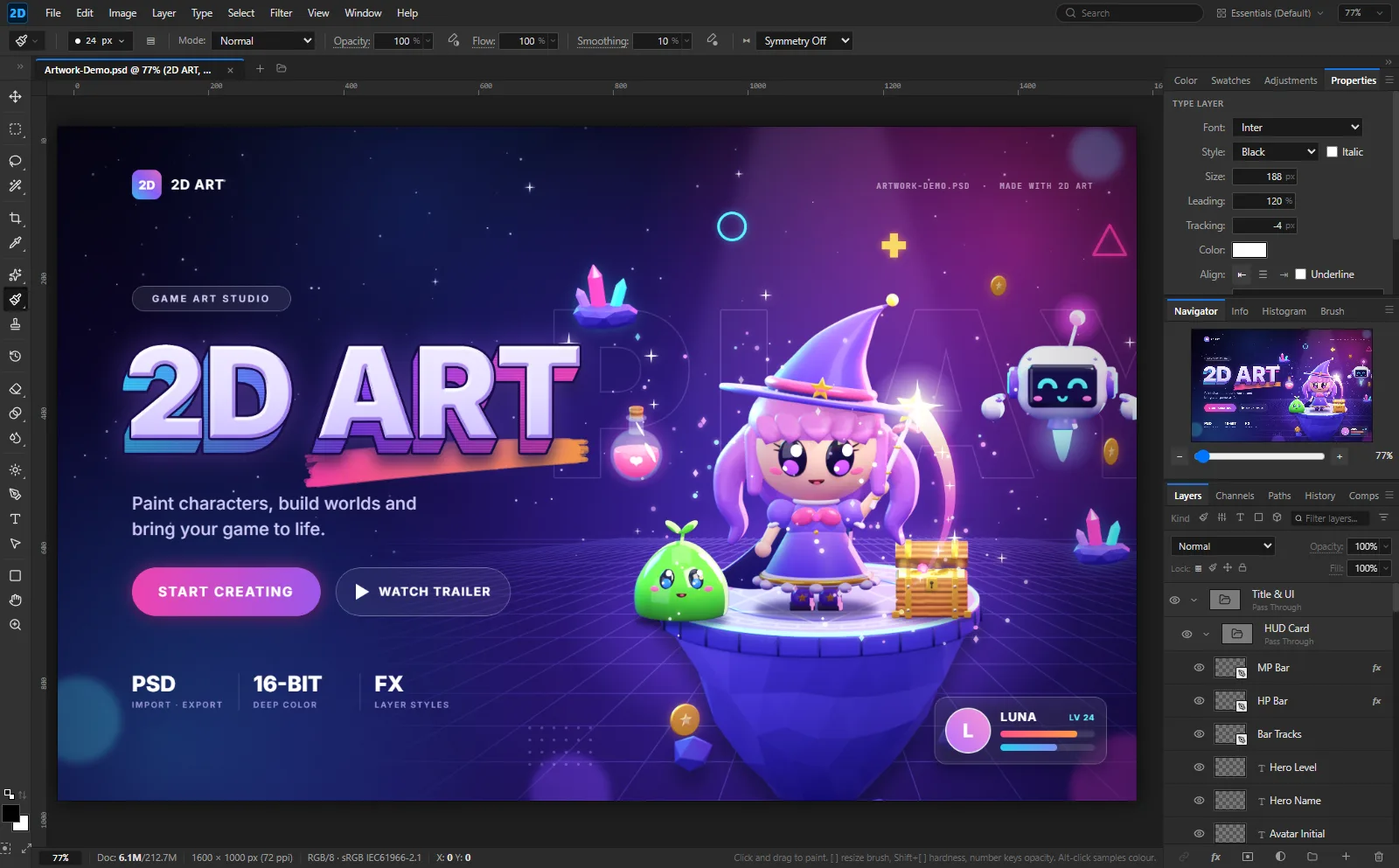
The familiar workflow of professional graphics software, lighter and focused on 2D art.
27 blend modes, layer masks, clipping masks, adjustment layers, groups and Smart Objects.
Drop shadow, glow, stroke, colour and gradient overlays — edit them live.
Open and save PSD/PSB with their layers. PNG, JPEG, WebP, AVIF, TIFF, GIF, DNG raw, EXR and HDR.
Deep colour edits without banding; floating-point HDR documents and HDR Toning.
Select Subject, Content-Aware Fill and AI upscaling.
Liquify, Puppet Warp, Warp Text, Perspective Crop and free transform.
Hardness, flow, spacing, pen pressure, Mixer Brush and symmetry painting.
Scripts, Actions and batch processing; let AI assistants drive the app through MCP.
A license is needed to use it. The app updates itself when a new version is out.
Latest version v1.1.0 · released 1 Oct 2026
Miễn phí
7 ngày
399.000đ
Phổ biến nhất
1.190.000đ
Mua một lần
Message us, pick a plan and pay.
You receive a key like XXXXX-XXXXX-XXXXX-XXXXX-XXXXX tied to your e-mail.
Open 2D Art and enter the e-mail and key. Done!
It depends on the plan; each key has a maximum. To move to a new computer, use Help > License > Deactivate on the old one, then activate on the new one.
The app checks the license each time it starts. Offline, it keeps working for 7 days after the last check.
The app warns you 7 days ahead. After renewing, click "Check again" in the activation window — no new key needed.
Yes. 2D Art opens and saves PSD/PSB with layers, masks, blend modes and layer styles.
Windows: click "More info" > "Run anyway". macOS: right-click 2D Art > Open, then choose Open.
Questions, or ready to buy? Get in touch.